 XOTT
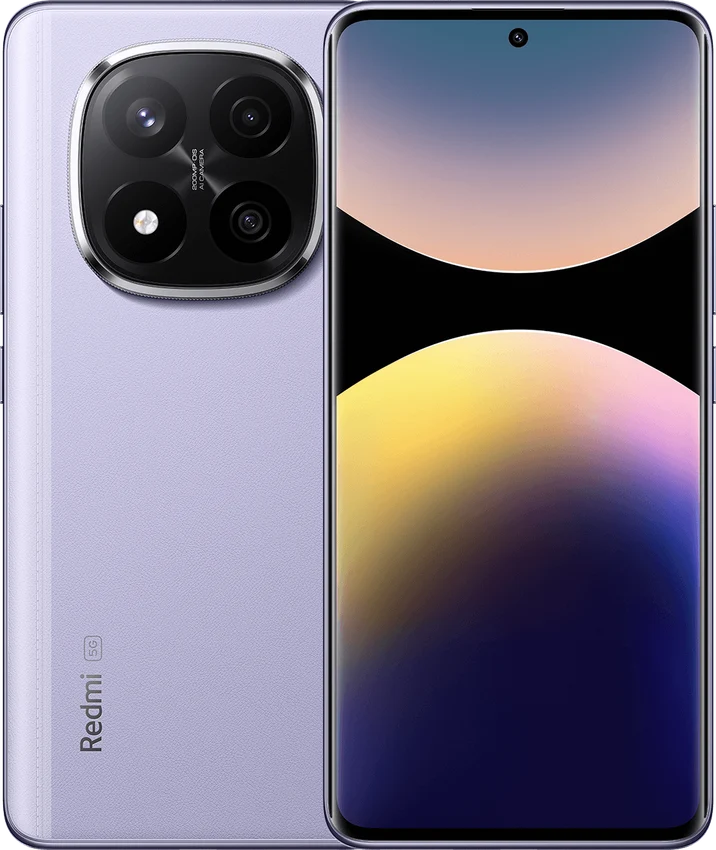
Check the device before installing
Confirm the complete model name and software version. Read the publisher and account input options in the player. Use a short item on Wi-Fi and one later on mobile data if your plan and setup allow it.
Check differences between networks
When playback is stable on one network, review the device’s per-app data restrictions and the connection where it fails. Keep the exact player and source fixed while comparing.