 XOTT
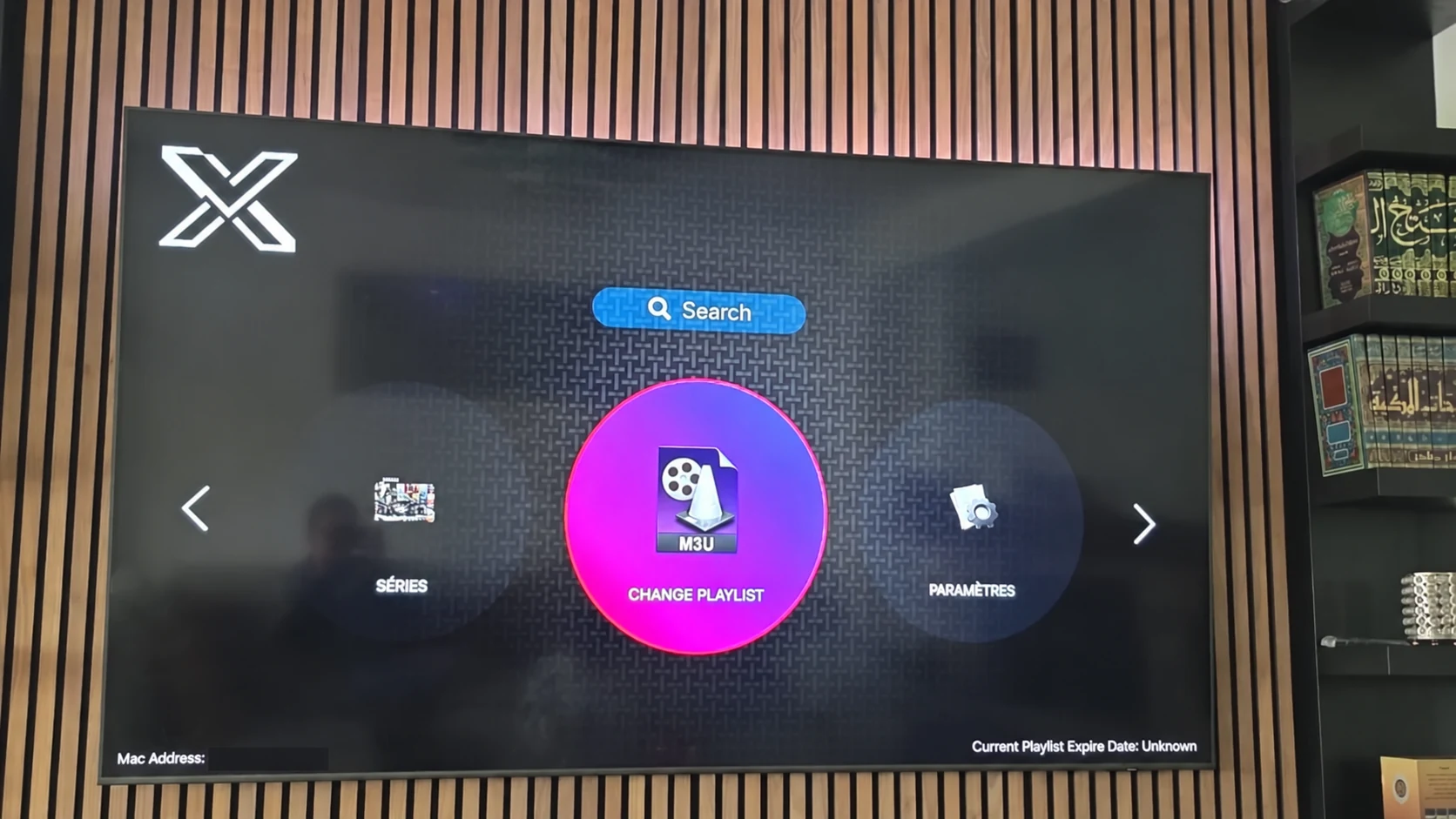
Create a separate setup
If the device allows both apps, leave the previous account entry in place and check the exact fields in the new player. Test one known feed without simultaneous playback.
Move only after verification
Compare the controls, audio and captions that matter to you. Keep a private backup of the account details if you decide to remove the old app later.