 XOTT
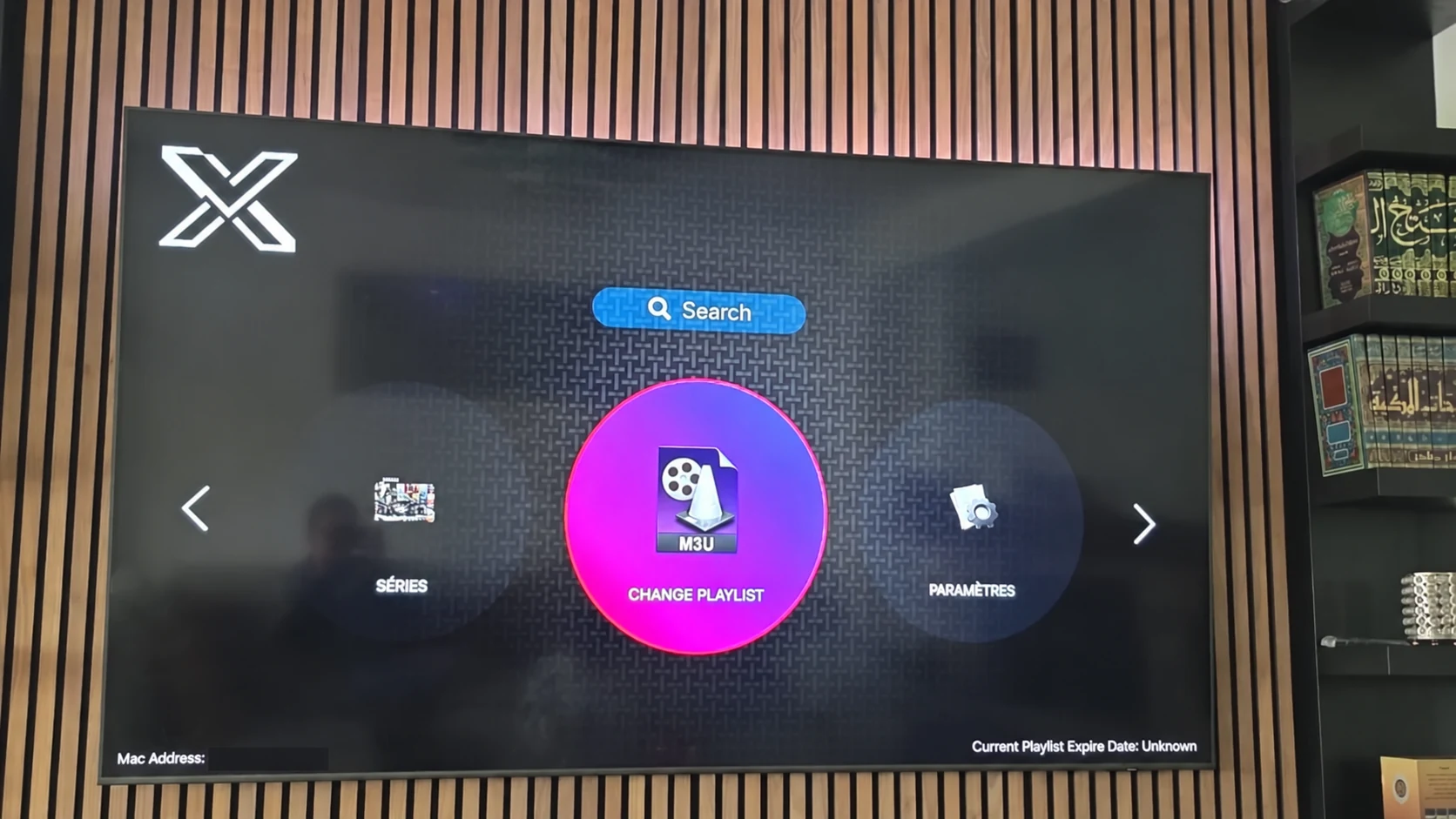
Stop the previous session
Exit the current playback in the original player. Check the app’s account switch or sign-out behavior before starting another stream. If the device can continue casting after the phone closes, stop the receiver session explicitly.
Check the new session
Open a known item after selecting the new device or profile. If you receive a connection limit message, confirm the account’s allowance and any remaining session through support.